University Communicator Resources
All communicators play an important role in advancing digital accessibility at UW–Madison. You produce digital content and electronic resources – such as templates – in your everyday work that your schools, colleges, or divisions use. You don’t need to become an expert overnight. Your role is to make meaningful, sustainable progress—starting with the materials you use or create every day.
Below are guidance and resources you can use to advance the accessibility of your digital content and ensure your materials are digitally accessible to all.
Get Started: Learn the Basics
Begin with these introductory resources to quickly build your understanding of digital accessibility.
- Fundamentals of Digital Accessibility – Key concepts and simple practices for making your materials more accessible.
- Digital Accessibility for the Modern Workplace – Brief, beginner‑friendly videos to help everyone at the university to work toward digital accessibility.
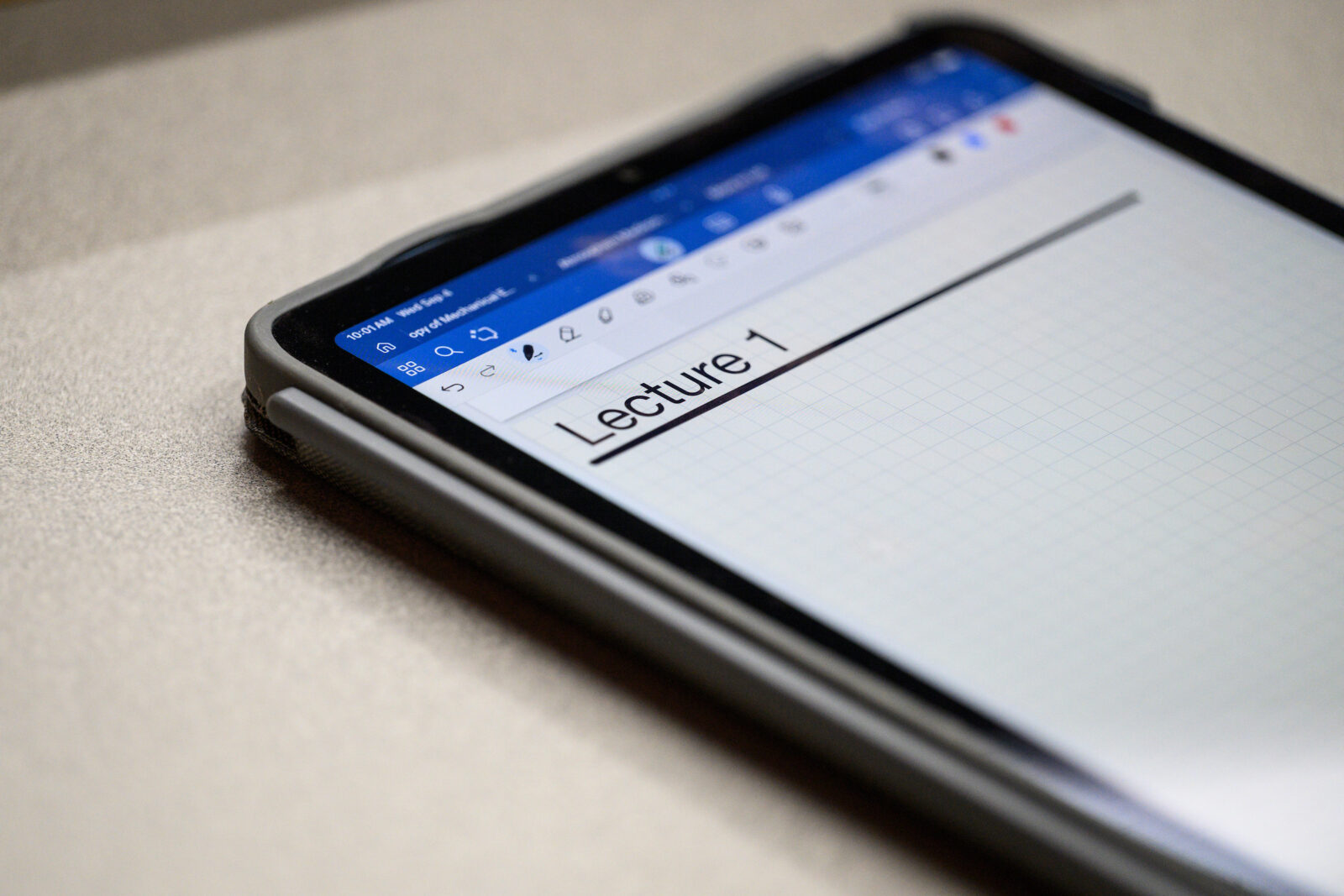
Take Action: Design Accessible Materials
Use these tools and resources to ensure digital materials are accessible.
- Test various document formats for digital accessibility.
- Apply digital accessibility best practices to your email communications.
- Add alternative text to images, graphics, and photos.
- Learn about a variety of digital accessibility topics in the Make It Accessible guides.
FAQs
No. You are responsible for improving materials over time, not interpreting legal requirements.
No, prioritize digital accessibility of high-risk content using the TFC framework (Time, Frequently used, Critical for access):
- Time: Content in use now
- Frequency of use: Existing templates, such as letterhead, documents, and slide decks that are widely accessed, or content that is integral to your program
- Critical for access: Content where barriers significantly limit access to programs, services, activities, or work functions
To get started, do an audit of your existing content to determine the best course of action:
- Remove: Remove unused, unnecessary, or outdated tools and content. Doing so leaves you with just the content that needs to be made accessible.
- Remediate: Improve existing content gradually. Focus on high-impact materials like course content, public-facing websites, and frequently accessed documents.
- Right First: Create accessible digital content from the start. When you build accessibility into new materials, you avoid time-consuming remediation later.
Yes. Social media content created or shared by UW–Madison accounts should be digitally accessible so that people with disabilities can read, understand, and engage with it.
When creating social media content, follow the same accessibility fundamentals you would use for other digital content: write in plain language, make sure visuals have enough color contrast, avoid relying on color alone, and provide accessible alternatives for images, video, audio, and links.
For step-by-step guidance, review the UW–Madison Social media accessibility guide, which includes a posting checklist, examples of dos and don’ts, and links to accessibility resources for specific platforms.
No, however, PDFs are often not the best format for sharing digital content. Many people turn to them because they believe they are not editable. This is not true. PDFs can be easily altered or exported into editable documents.
In addition, they require special attention to ensure that they are accessible for all users. For this reason, we recommend avoiding or minimizing use of PDF files.
Alternatives can include read-only versions of Word documents or Google Docs, or, for web content, creating HTML web pages instead of PDFs. These formats are typically easier to edit, test and maintain for accessibility over time.
If a PDF is necessary, start with an accessible source document before converting it to PDF. Building accessibility into the original file – such as proper headings, readable tables, and descriptive links – can significantly improve the accessibility of the final PDF. Learn how to make an accessible PDF.
Here are two additional resources on this topic:
Below is the content that was shared during the communicators’ town hall on March 2:
- Recording
- Transcript
- Slide deck
- Copilot synopsis, including a summary of chat Q&A
Get Help: Reach Out for Additional Information
Center for User Experience:
The Center for User Experience can provide additional information on how to create more accessible, usable, and inclusive digital content for all students, faculty, and staff. Request consultation through the Center for User Experience website.
Office of Compliance:
If you have questions related to the scope of the new federal rule for the Americans with Disabilities Act, contact the ADA Coordinators in the Office of Compliance.